Search
aichat search provides super-fast full-text search
across all your Claude Code and Codex CLI sessions,
powered by a Rust/Tantivy search engine. It offers a
pleasant TUI for interactive browsing and a --json
mode for agent consumption.
Why not grep?
Section titled “Why not grep?”Session chains get long. You might have 50+ sessions
in a lineage, each with thousands of lines. Grepping
through JSONL files does not scale. aichat-search
uses Tantivy
(the engine behind Quickwit) to index sessions on first
run, then returns results in milliseconds. The index
updates incrementally on every aichat command.
Install the search engine
Section titled “Install the search engine”The search engine is a separate Rust binary. Pick one method:
# Homebrew (macOS / Linux)brew install pchalasani/tap/aichat-search
# Cargo (any platform with Rust toolchain)cargo install aichat-search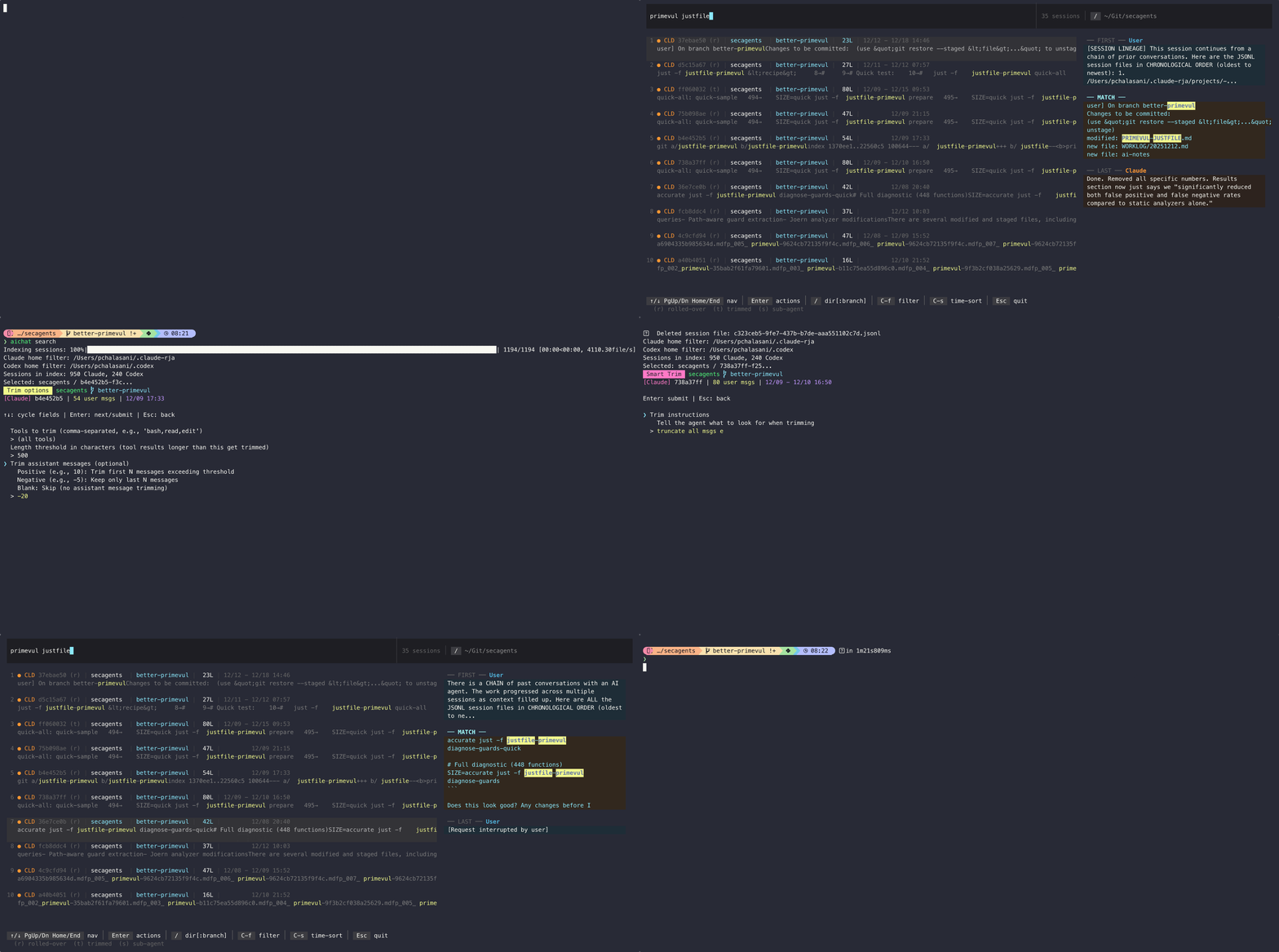
Launch the TUI with an optional pre-filled query:
# Open TUI, type query interactivelyaichat search
# Pre-fill a queryaichat search "langroid agent"
Inside the TUI you can refine the query, scroll results, and select a session to perform actions such as resume, export, or view.
Use --json to get JSONL output suitable for
piping to jq:
# Search with JSONL outputaichat search "MCP server" --json
# Pipe to jq for filteringaichat search "auth" --json | jq '.project'
Each line is a JSON object with fields:
session_id, agent, project, branch,
cwd, lines, created, modified,
first_msg, last_msg, file_path,
derivation_type, is_sidechain, snippet.
Search options
Section titled “Search options”| Flag | Description |
|---|---|
-g, --global | Search all projects (not just current directory) |
--dir PATH | Filter to a specific directory (overrides -g) |
--branch NAME | Filter to a specific git branch |
-n, --num-results N | Limit number of results |
--agent claude|codex|all | Filter by agent type |
--after DATE | Sessions modified after date |
--before DATE | Sessions modified before date |
--min-lines N | Only sessions with at least N lines |
--no-original | Exclude original sessions |
--no-trimmed | Exclude trimmed sessions |
--no-rollover | Exclude rollover sessions |
--sub-agent | Include sub-agent sessions (hidden by default) |
--exec-runs | Include headless codex exec runs (hidden by default) |
--live | Show only currently running sessions |
--by-time | Sort by last-modified (default: relevance) |
--json | JSONL output for agents |
Date formats: YYYYMMDD, YYYY-MM-DD, MM/DD/YY,
MM/DD/YYYY. Optional time suffix: T16:45:23,
T16:45, T16.
What is hidden by default
Section titled “What is hidden by default”Most sessions on a machine that runs coding agents were never a conversation you had — they are workers other agents spawned. Search hides two such kinds by default:
- Sub-agent sessions. Claude names these
agent-*.jsonl; Codex records the spawn in the session’s own metadata. - Headless
codex execruns. Everycodex execinvocation, whichever way it was started. Most are workers spawned by orchestrating agents, scripts and review loops — but acodex execyou run yourself is hidden too, so reach for--exec-runswhen a session you started that way is missing. Interactivecodexsessions are unaffected.
On a machine driving agents hard these can outnumber real sessions by ten to one, so leaving them in makes search close to useless.
Nothing is deleted, and nothing is left out of the index — it is only filtered out of the results, so you can ask for it at any time:
aichat search "query" --sub-agent # add sub-agentsaichat search "query" --exec-runs # add headless runsIn the TUI, open the filter menu with Ctrl-F and toggle
(s) for sub-agents or (h) for headless runs; :s and
:h do the same from command mode. When shown, these
sessions are marked (s) and (h) in the session list.
What gets indexed
Section titled “What gets indexed”The search engine indexes JSONL session files from:
~/.claude/projects/— Claude Code sessions~/.codex/— Codex CLI sessions
Custom locations can be set with --claude-home and
--codex-home flags, or the CLAUDE_CONFIG_DIR and
CODEX_HOME environment variables.
Sub-agent and headless sessions are indexed like any other; they are hidden from results, not skipped.
The index rebuilds itself when the indexing logic changes — after an upgrade that stores new information about each session, the first run takes about a minute for a large history, then returns to incremental updates.
Examples
Section titled “Examples”# Global search, recent sessions onlyaichat search -g --after 01/15/26
# Filter to a specific project directoryaichat search --dir ~/Git/myproject
# Only Claude sessions with at least 50 linesaichat search --agent claude --min-lines 50
# JSONL output sorted by timeaichat search --json --by-time "refactor"